

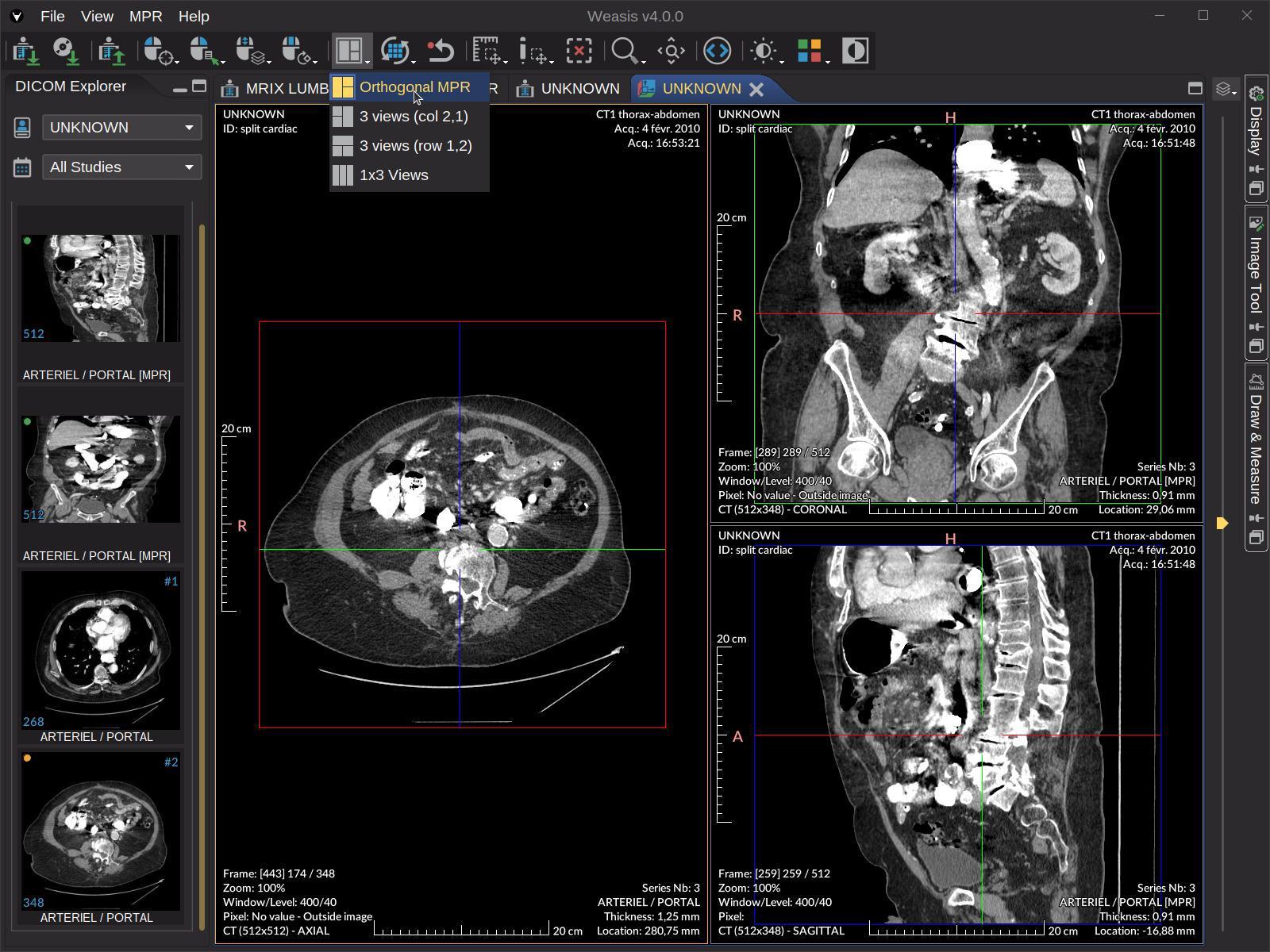
When you’re diving into medical imaging and deep learning, finding the right free software for annotating DICOM in deep learning projects can make or break your research. Whether you’re building AI models for radiology or training neural networks to detect anomalies, you need reliable tools that won’t drain your budget.
The good news? You don’t need expensive commercial software to get started. Several powerful, free options can handle your DICOM annotation needs while integrating seamlessly with your deep learning workflow. From comprehensive DICOM viewer library solutions to specialized annotation platforms, we’ll explore the tools that researchers and developers trust most.
Why DICOM Annotation Matters in Deep Learning
Medical imaging AI depends heavily on high-quality annotated datasets. Without properly labeled DICOM files, your deep learning models won’t learn to identify patterns accurately. Think of annotations as the teacher that shows your AI what to look for in medical scans.
DICOM files contain more than just images—they include crucial metadata about patient information, scan parameters, and imaging equipment. The right annotation software preserves this data while allowing you to add the labels your models need to learn effectively.
Essential Features to Look For
Before we dive into specific tools, let’s cover what makes annotation software truly useful for deep learning projects.
Real-time collaboration keeps your team synchronized when multiple annotators work on the same dataset. Export flexibility ensures your annotations work with popular machine learning frameworks like TensorFlow and PyTorch. Quality control features help maintain consistency across your labeled data.
You’ll also want tools that handle various annotation types—from simple bounding boxes to complex segmentation masks. The ability to work with different DICOM modalities (CT, MRI, X-ray) without compatibility issues saves countless hours of frustration.
Top Free DICOM Annotation Tools
3D Slicer
3D Slicer stands out as the gold standard for medical image analysis and annotation. This open-source platform handles DICOM files with ease and offers robust annotation capabilities for deep learning applications.
The software excels at volumetric segmentation, making it perfect for 3D medical imaging projects. Its extensive plugin ecosystem means you can customize the tool for specific annotation tasks. Plus, the active community provides excellent support when you encounter challenges.
OHIF Viewer
The Open Health Imaging Foundation (OHIF) Viewer brings web-based DICOM annotation to your browser. No installation required—just upload your files and start annotating.
What makes OHIF special is its modern interface and cloud-friendly architecture. You can set up annotation workflows that team members access from anywhere. The tool supports multiple annotation types and exports data in formats that work seamlessly with machine learning pipelines.
ITK-SNAP
ITK-SNAP focuses specifically on medical image segmentation, making it invaluable for creating training data for semantic segmentation models. The software provides semi-automatic segmentation tools that speed up the annotation process significantly.
The active contour features help you create precise boundaries around anatomical structures. ITK-SNAP’s layer-based approach lets you manage multiple annotations on the same image, which is crucial when training models to detect multiple conditions simultaneously.
ImageJ with FIJI
ImageJ paired with the FIJI distribution creates a powerful, customizable annotation environment. While originally designed for general image analysis, plugins make it excellent for DICOM annotation tasks.
The scripting capabilities let you automate repetitive annotation tasks, saving hours of manual work. FIJI’s extensive plugin library includes tools specifically designed for medical imaging workflows.
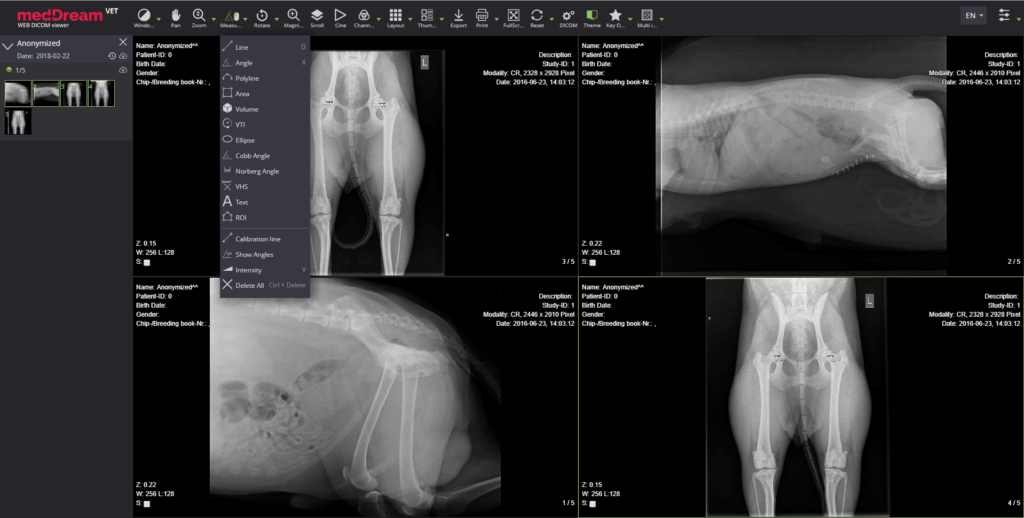
Setting Up Your Annotation Workflow
Choose tools that integrate well with your existing deep learning infrastructure. Export compatibility with formats like JSON, XML, or CSV ensures smooth data transfer to your training scripts.
Consider implementing quality assurance processes that have multiple annotators review each other’s work. Inconsistent annotations can seriously impact model performance, so investing time in quality control pays dividends later.
Version control becomes crucial when working with large datasets. Track changes to your annotations just like you would with code—it prevents confusion and helps maintain data integrity throughout your project lifecycle.
Making the Most of Free Tools
These free alternatives offer professional-grade capabilities without the licensing costs. Many research institutions and startups rely entirely on open-source solutions for their medical imaging AI projects.
Start with one tool that matches your immediate needs, then expand your toolkit as projects grow more complex. The learning curve for each platform varies, but the investment in mastering these tools pays off across multiple projects.
Remember that community support makes free software particularly valuable. Active user communities mean faster problem-solving and continuous improvement of these tools.
The right free annotation software can transform your DICOM deep learning projects from expensive endeavors into accessible research opportunities. Choose tools that fit your workflow, invest time in learning their features, and watch your medical AI projects flourish without breaking the budget.